TabStash
Cmd+Tab, set up your way.
Free and open source. macOS 13 or newer, Apple Silicon.
Why
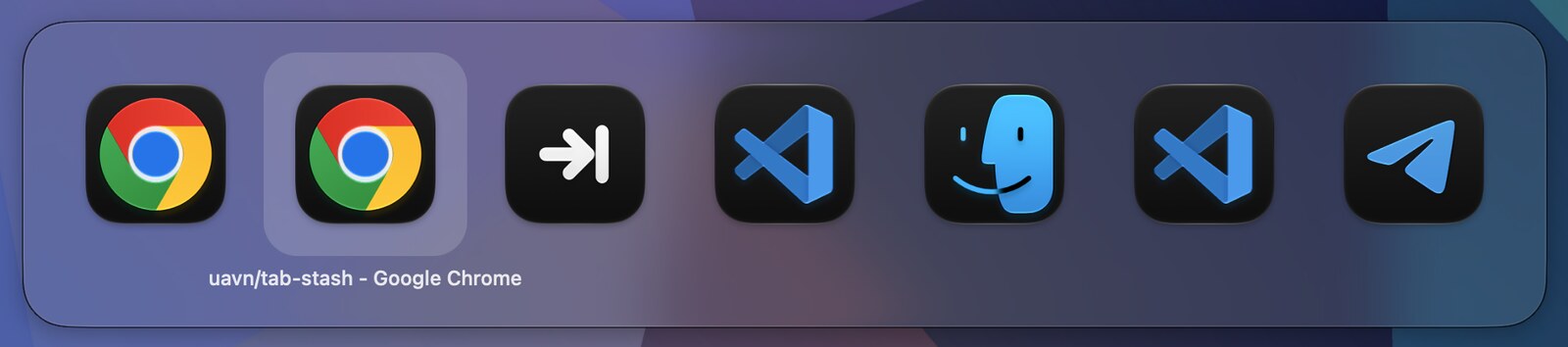
macOS Cmd+Tab shows every app on every Space. Pick one and the screen jumps to another desktop, scattering your context.
TabStash lists only what is in front of you, and activating an app raises its window right here instead of throwing you somewhere else.
Features
Per-Space switching
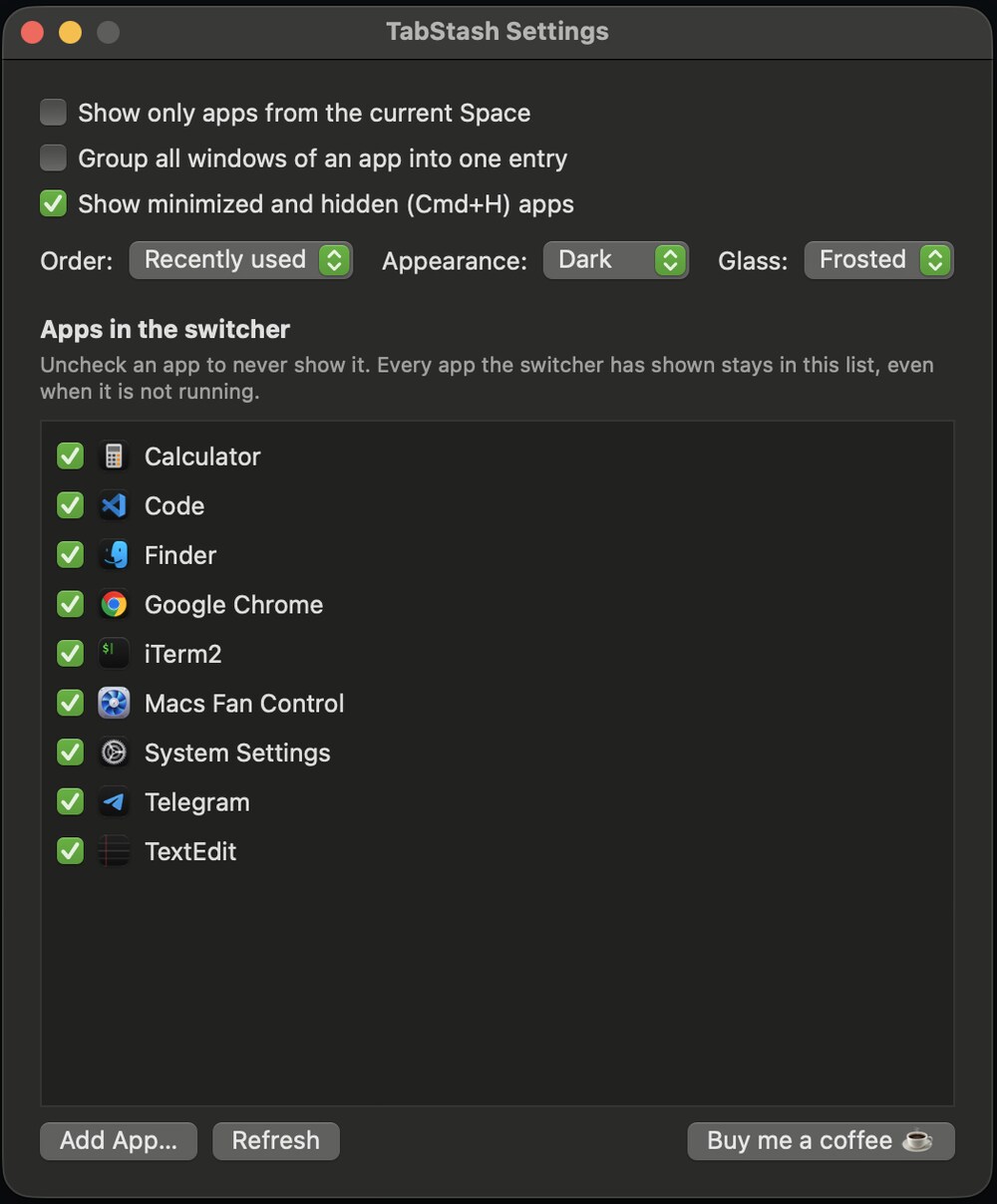
Only apps with a window on the current Space. One checkbox brings back the full list.
Stays where you are
No more being thrown to another desktop. Pick a window that really is elsewhere and macOS follows you there.
Windows, not just apps
Turn grouping off and each window is its own entry, captioned with its title.
Recency that makes sense
It remembers windows, not only apps, so one Cmd+Tab flips between the two you actually use.
Minimized and hidden apps
Optional and dimmed. Picking one brings the window back, Cmd+H included.
Quiet by design
Menu bar only. No Dock icon, no telemetry, no network access, no accounts, no ads.
Keys
| Cmd + Tab | Open switcher, next |
| Cmd + Shift + Tab, arrows | Previous, navigate |
| Cmd + Q / Cmd + H | Quit or hide the selection |
Build from source
git clone https://github.com/uavn/tab-stash.git
cd tab-stash
./build.sh
open build/TabStash.app
“TabStash is damaged”
The build is not signed by Apple, so macOS quarantines it after download and may refuse to open it, or claim it is damaged. Drag it to Applications and strip the quarantine flag:
xattr -dr com.apple.quarantine /Applications/TabStash.app
Then open it normally. If macOS says the developer cannot be verified instead, open System Settings → Privacy & Security and press Open Anyway. Building from source avoids quarantine entirely.
First launch
TabStash needs Accessibility permission to see Cmd+Tab: System Settings → Privacy & Security → Accessibility. It does not need Screen Recording.